Cricfy TV APK Download v6.6 — Free, Safe and Latest
A practical, step-by-step walkthrough to safely download and install the latest Cricfy TV APK on your Android device. Covers requirements, verified download links, permission checks, file verification, and common installation errors.
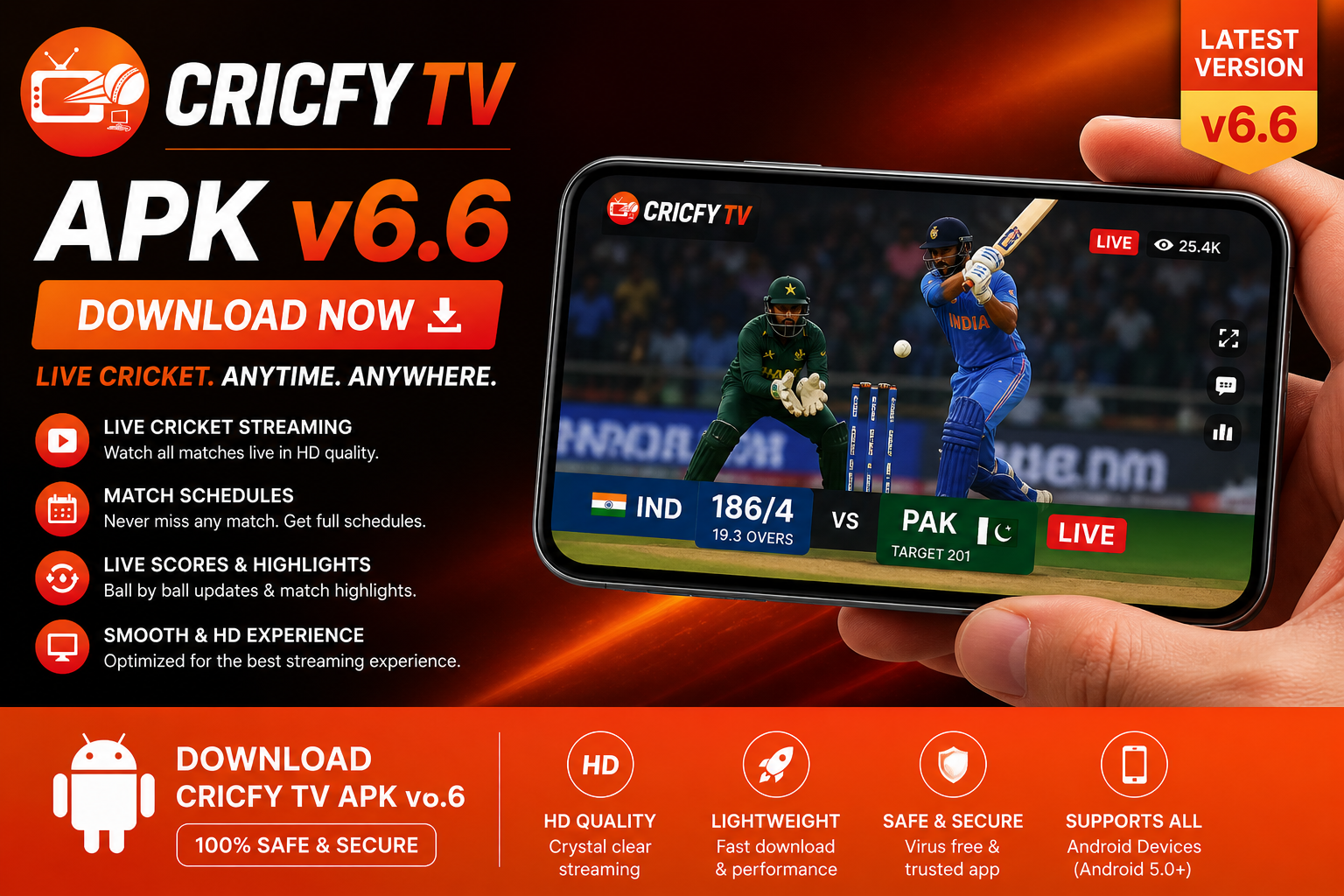

The Cricfy TV APK is the standard Android installation file for the free cricket streaming application. Since the app has never been published on the Google Play Store — and given Google's content policies around stream aggregation, this is unlikely to change — manual sideloading is the only way to install it. This process is identical to installing any other trusted third-party Android application and takes under five minutes.
This page focuses specifically on the Cricfy TV v6.6 APK download for Android. Every step has been tested across multiple Android versions and device manufacturers. For other platforms, our main download hub links to guides for iOS, PC, and Smart TV installations.
Before You Begin — Requirements
Sorting these out before downloading prevents the frustration of finding that the file will not install.
Android Version
Cricfy TV requires Android 5.0 (Lollipop) or higher. Virtually every Android phone sold since 2015 meets this requirement. Check your version under Settings → About Phone → Android Version. Version 6.6 includes specific optimisations for Android 13 and 14, and is fully compatible with Android 15.
Free Storage Space
The APK file is approximately 22 MB, but the installed app requires additional storage for the channel database and stream cache. Ensure you have at least 150 MB free for smooth operation during live matches — the stream cache grows during active sessions and is cleared when you close the app.
Install Unknown Apps Permission
Your device needs permission to install apps from sources other than the Play Store. On Android 8.0 and above, this is granted per app rather than system-wide:
- Stock Android / Pixel: Settings → Apps → Special App Access → Install Unknown Apps → [Your Browser] → Allow
- Samsung One UI: Settings → Biometrics and Security → Install Unknown Apps → [Your Browser] → Allow
- Xiaomi / Redmi (MIUI): Settings → Privacy → Special Permissions → Install Unknown Apps → [Your Browser] → Allow
- Realme / OPPO (ColorOS): Settings → Additional Settings → Privacy → Install Unknown Apps → [Your Browser] → Allow
How to Download and Install Cricfy TV APK v6.6
- Enable Install Unknown Apps: Follow the device-specific path in the Requirements section above. On Android 8+, enable it for your browser specifically — Chrome, Firefox, or whichever browser you will use to download the file.
- Navigate to the verified download source: Stay on this page — the download button below links directly to the verified Cricfy TV v6.6 APK. Avoid third-party mirror sites that bundle adware, display fake "Download" buttons, or require survey completion before releasing the file.
- Download the APK file: Tap the download button below. The file is approximately 22 MB and downloads in 15–30 seconds on a typical 4G connection. Chrome will display a warning banner reading "This type of file can harm your device" — this is a standard warning shown for all APK files downloaded outside the Play Store, not specific to Cricfy TV. Tap "Download anyway" to proceed.
- Open and install the APK: When the download completes, tap the notification in your shade or navigate to your Downloads folder and tap the file. Android will show an installation confirmation screen. Tap Install. Installation takes 10–15 seconds on most modern devices.
- Launch Cricfy TV and start watching: Find the Cricfy TV icon in your app drawer and open it. The first launch fetches the live channel database from the remote server — this takes 3–5 seconds. Grant network and storage permissions when prompted, then tap the Live tab to browse matches and choose a stream quality.
Verifying the Downloaded APK File
Sideloading carries a small but real risk of inadvertently installing a modified file. These three steps significantly reduce that risk:
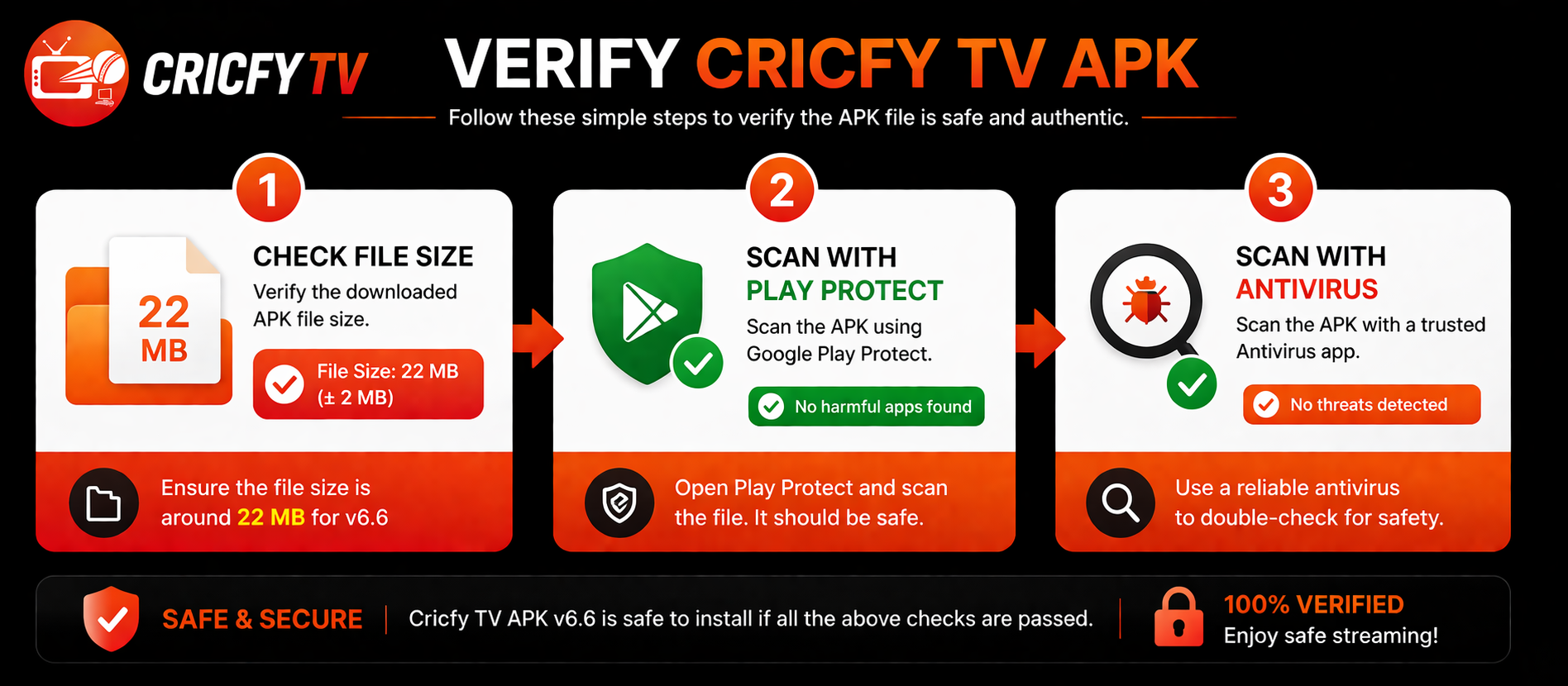
1. Check the File Size
The legitimate Cricfy TV v6.6 APK is approximately 22 MB (18–26 MB is the acceptable range). A file dramatically smaller (under 5 MB) typically means the download was interrupted. A file significantly larger (over 40 MB) may be a modified build bundled with additional software.
2. Use Google Play Protect
Open the Google Play Store app → tap your profile icon → Play Protect → tap "Scan." Play Protect scans all installed apps — including sideloaded ones — against Google's malware database. It catches the majority of common mobile threats and runs automatically on most Android devices.
3. Run a Dedicated APK Scanner
For additional confidence, Malwarebytes for Android (free version) and Bitdefender Mobile Security both offer on-demand APK scanning. Run the scan on the downloaded file before tapping Install. For a comprehensive assessment of risks and how to stay safe, read our Cricfy TV safety and legality review.
Understanding Cricfy TV App Permissions
Knowing which permissions a legitimate APK requests — and which ones it should never request — is one of the most reliable ways to identify a tampered file. The table below covers the permissions Cricfy TV v6.6 requests and why each is needed:
| Permission | Required? | Why It Is Needed |
|---|---|---|
| Internet Access | ✓ Required | Streaming video content and fetching the live channel database. Without this, the app cannot function. |
| Read/Write Storage | ✓ Required | Caching stream data locally to reduce buffering. Creates a small cache folder (20–50 MB) cleared on app close. |
| Post Notifications | ✓ Optional | Match start notifications and pre-match alerts. The app functions without this — grant only if you want reminders. |
| Foreground Service | ✓ Required | Keeps the stream active when the screen turns off or you switch apps (for audio-only listening mode). |
| Contacts / SMS / Call Logs | ✗ Never | Cricfy TV should never request these. If prompted, you have a modified/counterfeit APK — uninstall immediately. |
| Camera / Microphone | ✗ Never | No legitimate version of this streaming app requires camera or microphone access. Treat any request as a red flag. |
Common Download and Installation Errors
⚠ Download Keeps Failing or Restarting
Almost always a network stability issue. Switch from mobile data to Wi-Fi or vice versa. If using mobile data, move to an area with stronger signal. Firefox handles interrupted large downloads more gracefully than Chrome — try Firefox if Chrome downloads keep failing.
⚠ ISP Blocking the Download
Some ISPs in India and Pakistan throttle or block downloads from specific APK hosting domains. Enabling a VPN temporarily during the download typically resolves this. Disable the VPN after the file has fully downloaded — you do not need it for streaming unless geo-restricted content is involved.
⚠ "Parse Error" on Installation
A Parse Error almost always means the APK file is corrupted — either the download was interrupted or the file was damaged in transit. Delete the file and re-download. If the error persists with multiple downloads, try a different browser or confirm the source file size matches the expected 18–26 MB range.
⚠ "App Not Installed" Error
This error occurs when an older version of Cricfy TV with a different signing key is already installed. Android blocks upgrades between builds with mismatched certificates. Fix: go to Settings → Apps → Cricfy TV → Uninstall, then install v6.6 fresh.
⚠ App Crashes Immediately After Install
On Samsung devices running One UI 6+, Auto Blocker can interfere with newly sideloaded apps even after successful installation. Go to Settings → Security → Auto Blocker and toggle it off, then relaunch. On Xiaomi/MIUI devices, disable MIUI Optimisation in Developer Options if crashes persist after 10–15 minutes of streaming.
For all other issues — buffering, black screens, unexpected errors — visit our Cricfy TV troubleshooting hub which covers runtime errors in detail.
Installing Cricfy TV on Other Platforms
This page covers Android APK installation. If you want to watch on a different device, our platform-specific guides cover every supported option:
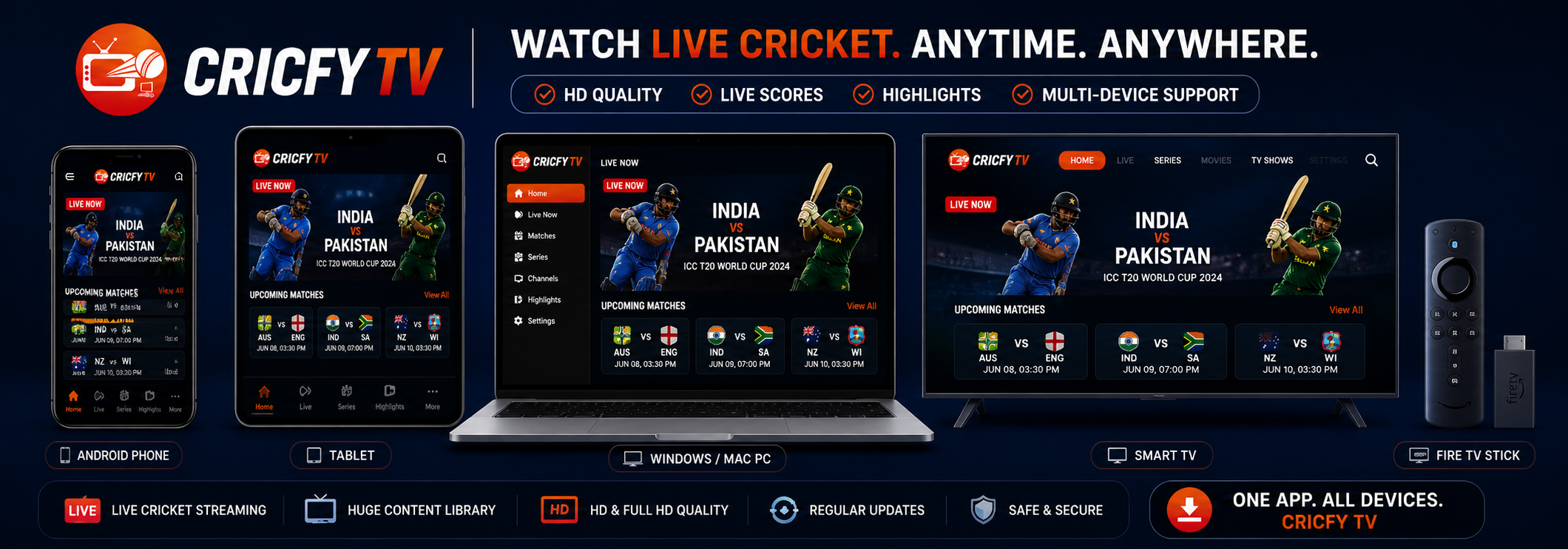
- Install Cricfy TV on iPhone or iPad — AltStore and Sideloadly sideloading methods, no jailbreak required
- Install Cricfy TV on Windows PC or Mac — BlueStacks, LDPlayer, MEmu emulator setup
- Install Cricfy TV on Amazon Fire TV Stick — via the Downloader app, under 10 minutes
- Install Cricfy TV on Smart TV — Samsung, LG, Android TV methods
- Install Cricfy TV on Android TV — direct APK sideload via USB or Send Files to TV
Frequently Asked Questions — Cricfy TV APK Download
What is the file size of Cricfy TV APK v6.6?
The Cricfy TV v6.6 APK is approximately 22 MB. The acceptable size range for this version is 18–26 MB. Any file significantly outside this range — under 5 MB or over 40 MB — may be corrupted or modified. Delete it and re-download from this page.
Do I need to root my Android phone to install Cricfy TV?
No — rooting is not required. Cricfy TV v6.6 installs on any standard unrooted Android device running Android 5.0 (Lollipop) or higher. Simply enable "Install unknown apps" for your browser in Settings, download the APK, and tap Install. The process takes under five minutes.
Why does Chrome warn me when downloading the APK?
Chrome shows this warning for every APK downloaded outside the Play Store — it is a standard precaution, not a sign that the specific file is dangerous. The same message appears when downloading Fortnite, Epic Games, or any other sideloaded app. If you are downloading from this page, tap "Download anyway" to proceed.
Can I install Cricfy TV APK on an Android emulator on PC?
Yes. Android emulators including BlueStacks, LDPlayer, and MEmu install the Cricfy TV APK exactly as a physical Android device would. This is the primary method for watching Cricfy TV on Windows or Mac. Our PC installation guide covers the full emulator setup with screenshots.
How often is a new Cricfy TV APK version released?
New Cricfy TV versions typically release every 6–10 weeks, with hotfix builds appearing during active cricket seasons — IPL, T20 World Cup, and PSL windows see the most frequent updates. The current release is v6.6 (May 2026). Check our latest version page for the current build and changelog.
What happens to my settings when I update the Cricfy TV APK?
If you install the new APK directly over the existing version (without uninstalling first), Android preserves your data and preferences automatically. If you need to uninstall first due to a signing key conflict — which happens occasionally between major version jumps — your preferences will reset to defaults after reinstalling.